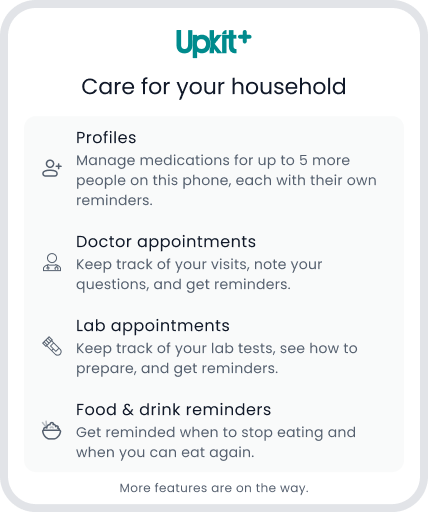
Care for your household
With Upkit Plus, manage medications for up to 5 more people on this phone, get Food & drink reminders, and keep track of Doctor and Lab Appointments.

Profiles
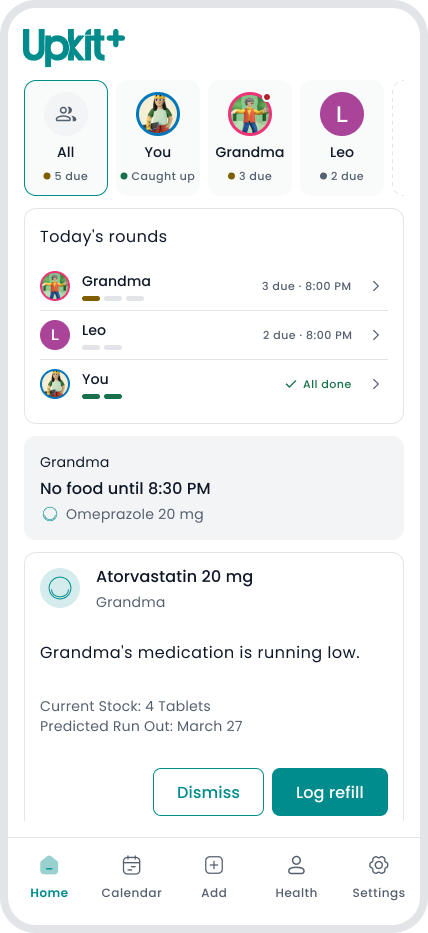
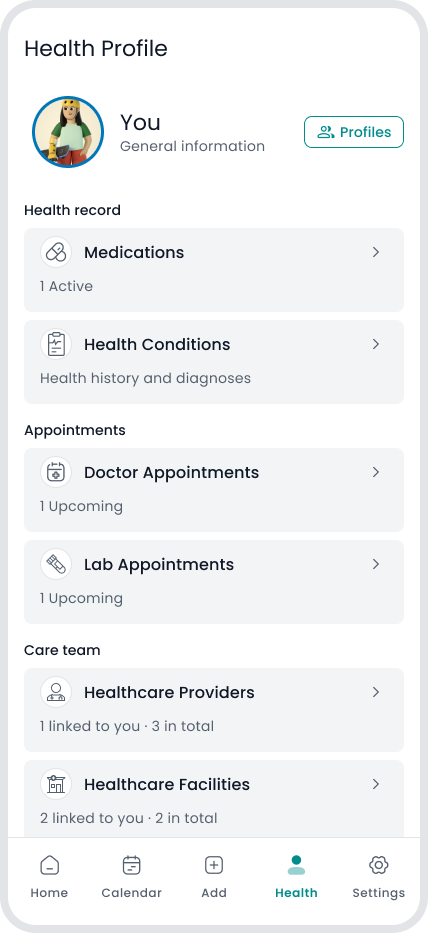
Medications and reminders for up to 5 more people on this phone, each with their own records.*
- Each person has their own medications, schedules, reminders, Directions, health conditions and appointments.
- Home shows everyone's day at a glance: who is due, who skipped, who is caught up.
- Reminders and alarms name the person.
- Doctors and facilities are household records: add one once, link it to the people it cares for.
* Profiles live on this one phone, for the people in your household you care for in person. When you add one, you confirm you're the person's parent or legal guardian, or that they asked you to manage their medications.
Food & drink reminders
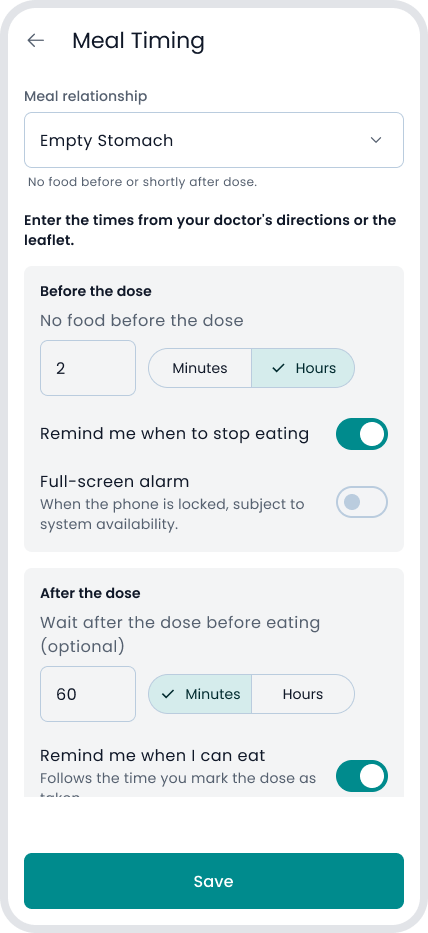
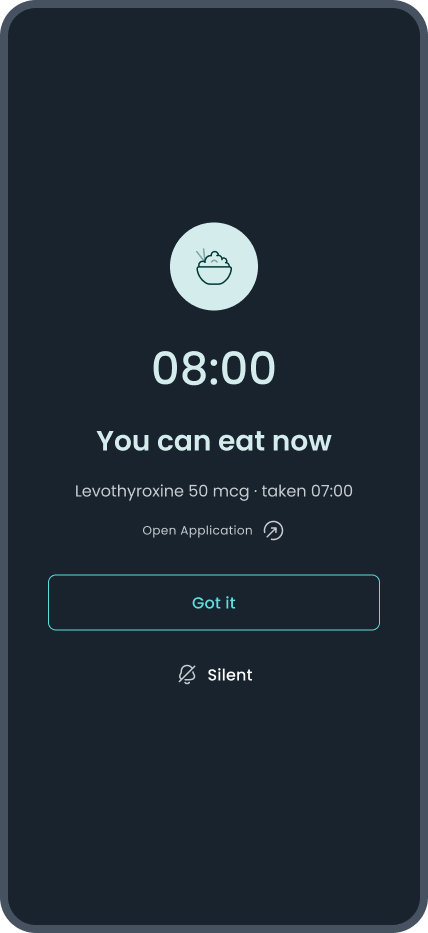
For medications taken on an empty stomach or before a meal, Upkit reminds you when to stop eating and when you can eat again.*
- Enter the times from your prescription or the leaflet. Upkit never suggests a time.
- A no-food window shows on Home, on the Calendar card and in Reminder Details.
- On Android, the reminder can be a full-screen alarm when the phone is locked, if Android allows it.
* A timing cue only: it doesn't say what to eat or drink. Follow your doctor's and pharmacist's directions. Like any reminder, it can be late or not shown.
Doctor Appointments
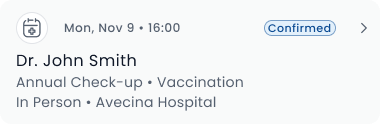
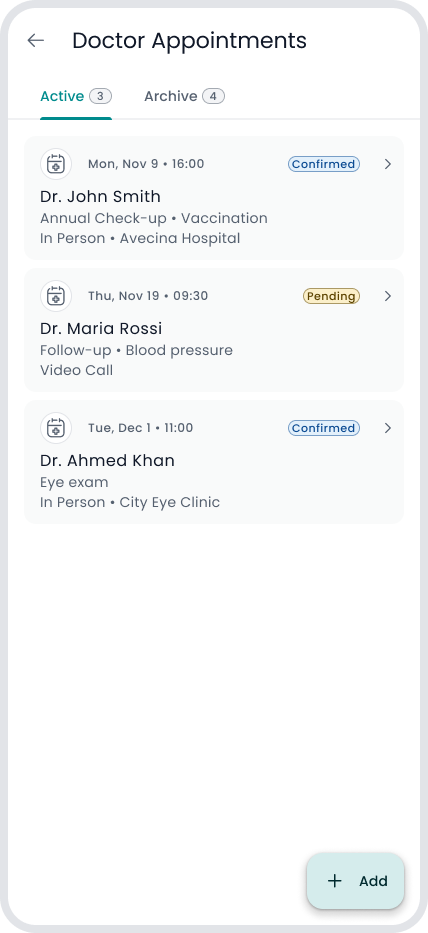
Keep track of the appointments you made yourself.*
- Add the date, provider or facility, and up to three reminders.
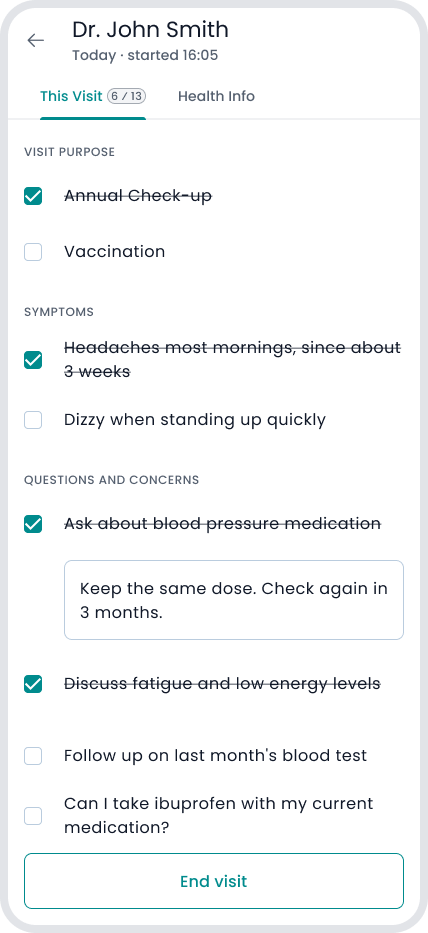
- Prepare the visit: symptoms, questions and concerns, refill requests.
- Use the Visit page during the appointment, then close it out.
* Upkit doesn't book, change or cancel anything, and has no link to any doctor, clinic, lab or hospital.
Lab Appointments
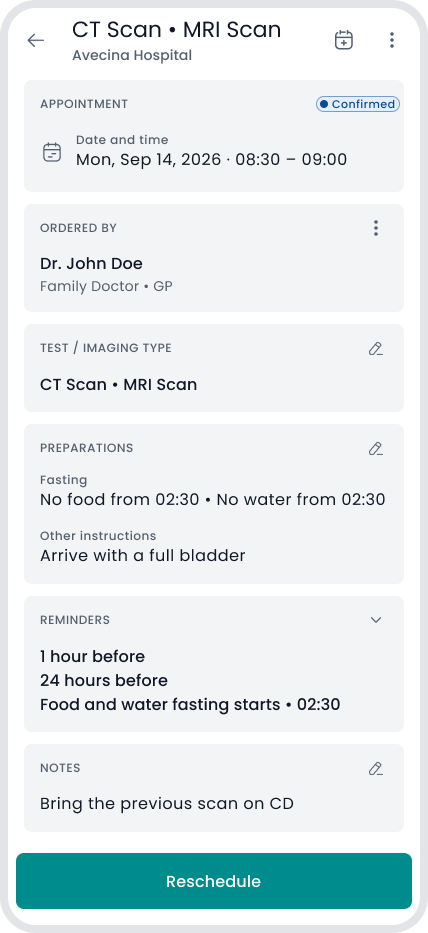
- Lab tests: record the preparations your lab gave you and get a reminder when fasting starts.
- Copy appointments to your phone's calendar, or add one from your calendar or a calendar file. Optional.*
* The calendar copy follows Upkit, so make changes in Upkit. Keep your provider's confirmation too.
Plans and trial
Upkit Plus is optional. Everything else works without it. Features that are not marked as part of Upkit Plus are available at no charge.
- Monthly or yearly. The price is shown in your app store, in your local currency.
- Free trial: once per person per store. It renews into the paid plan unless you cancel before it ends.
- Buy, cancel or restore in the App Store or Google Play. A purchase on one store does not carry to the other, and Plus can't be shared through your store's family plan.